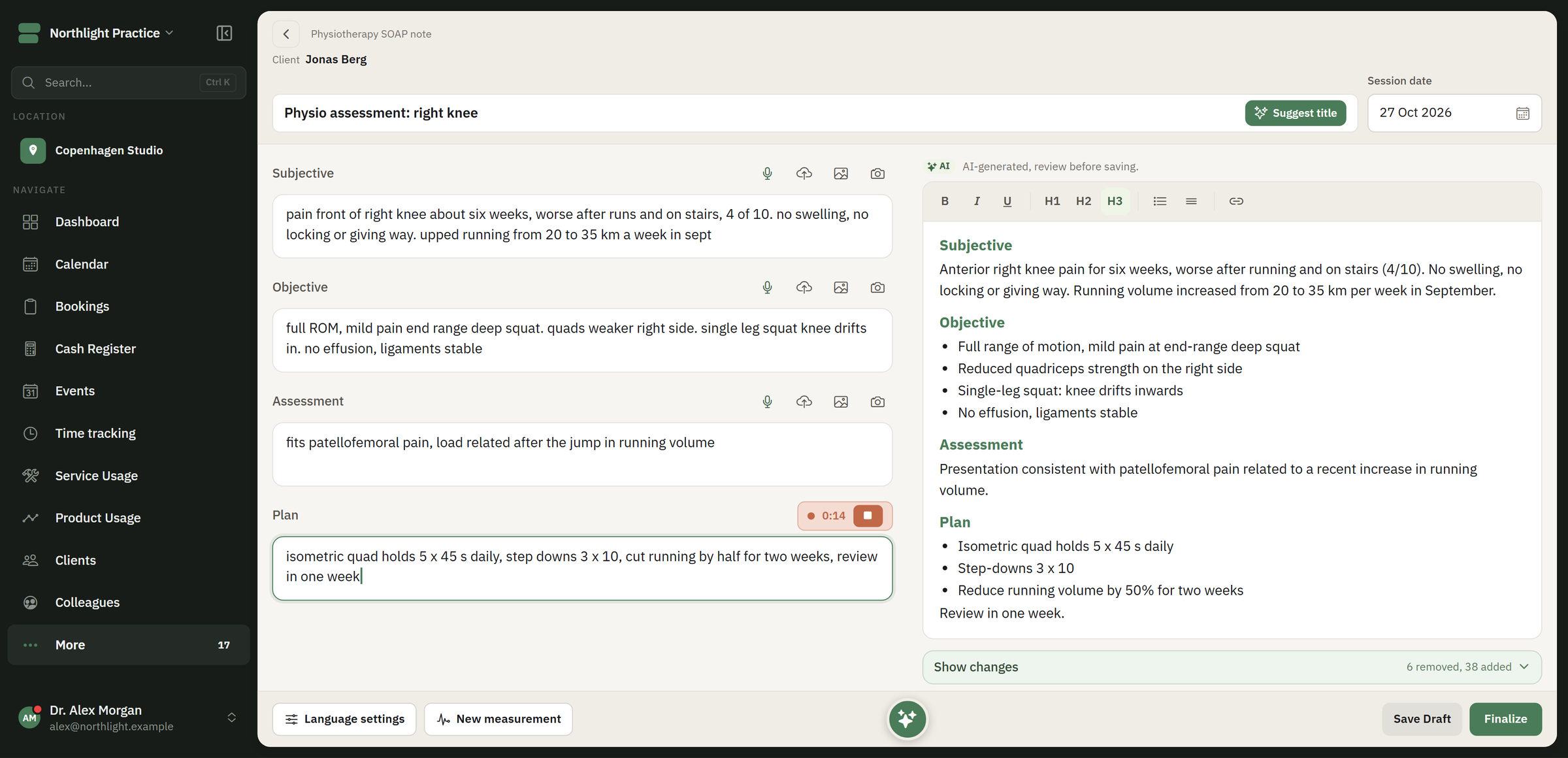
Write or dictate from your fixed templates. AI can make a draft, but you are the one who reads, corrects and approves it. The journal sits in the same system as booking, payments and client history.
A journal note in FlowDule. The screenshot shows fictional data.
Write good journals without carrying them home in your head.
Templates, dictation and AI do the heavy lifting. The professional judgement is yours. Health records are only kept for clients over 18.
01
Fixed templates
Templates for consultations, follow-ups and internal notes. Shared templates keep the documentation consistent, even when a client changes practitioner.
02
Write or dictate
Write the note, or speak it. Speech becomes text directly in the note.
03
AI drafts you approve
AI can make a draft from your template and help with structure, wording, summary and translation. You read and correct the draft before it is saved in the journal.
04
Measurements and reports
Follow measurements over the course of treatment. Make report drafts from the documentation that already exists: client summary, status report, progress report and handover note.
05
Version history and audit log
A finished journal is only changed with dated addenda showing the author. The original is kept. The access log shows views, searches, downloads and refused look-ups.
06
Encrypted per business
Sensitive journal fields are encrypted with AES-256 and keys that are separate for each business. Access is controlled per role, so reception, practitioners and management see what they need to.
Works together with.
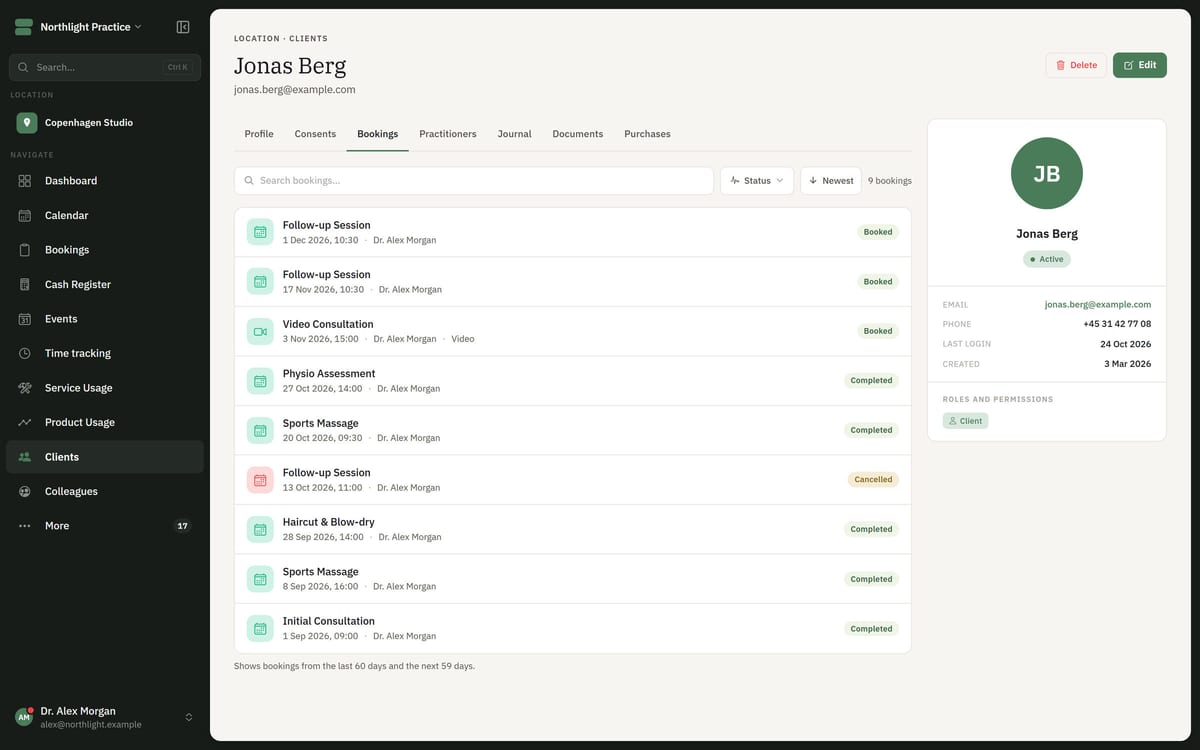
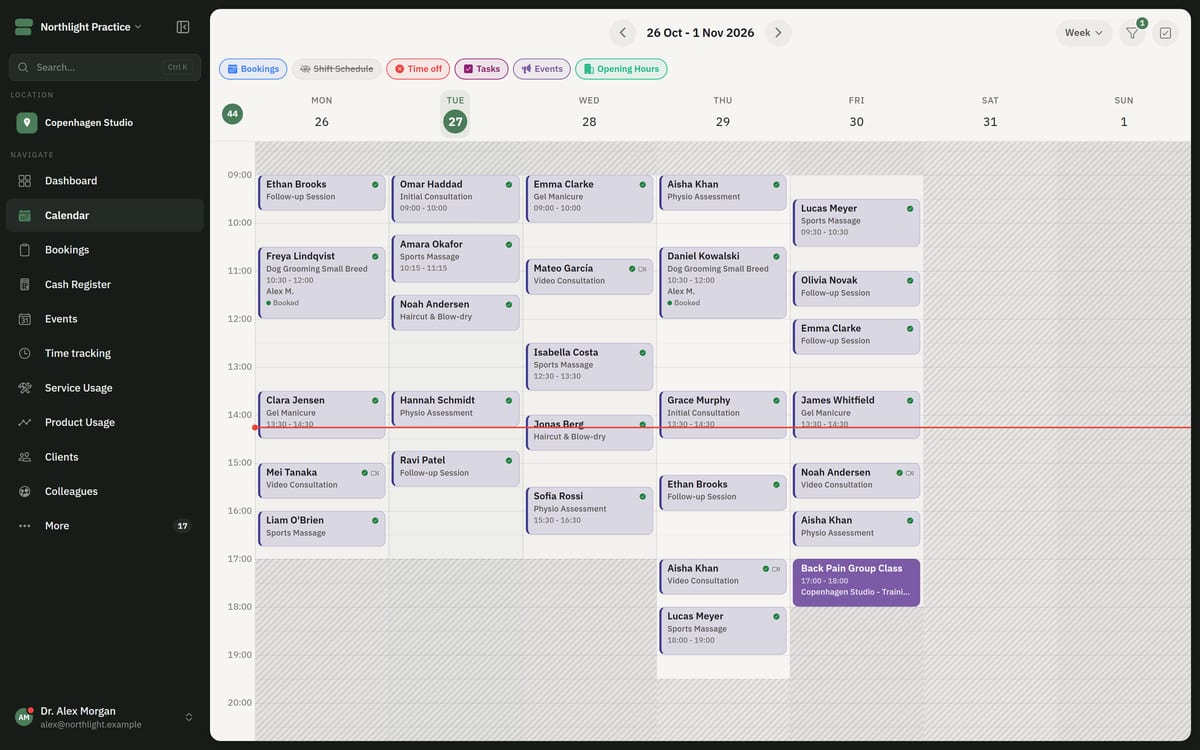
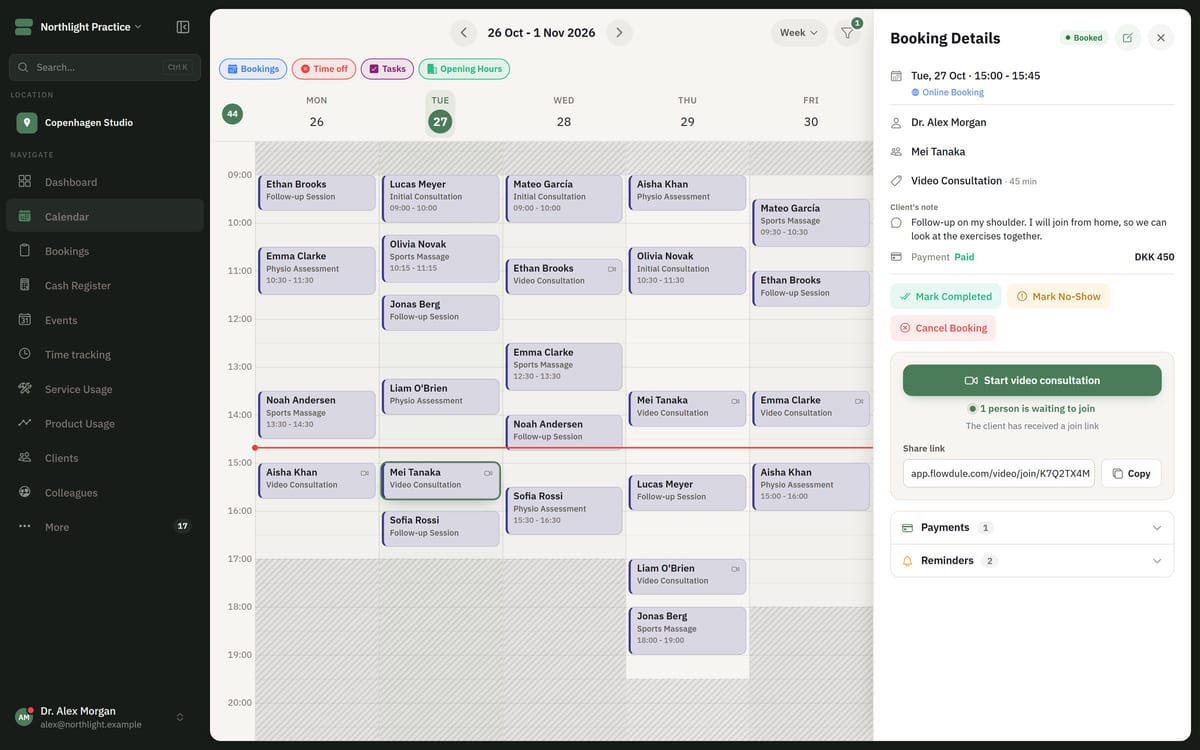
The journal is linked to the client and the treatment, so the history is in one place.