Client records with the whole history on one card.
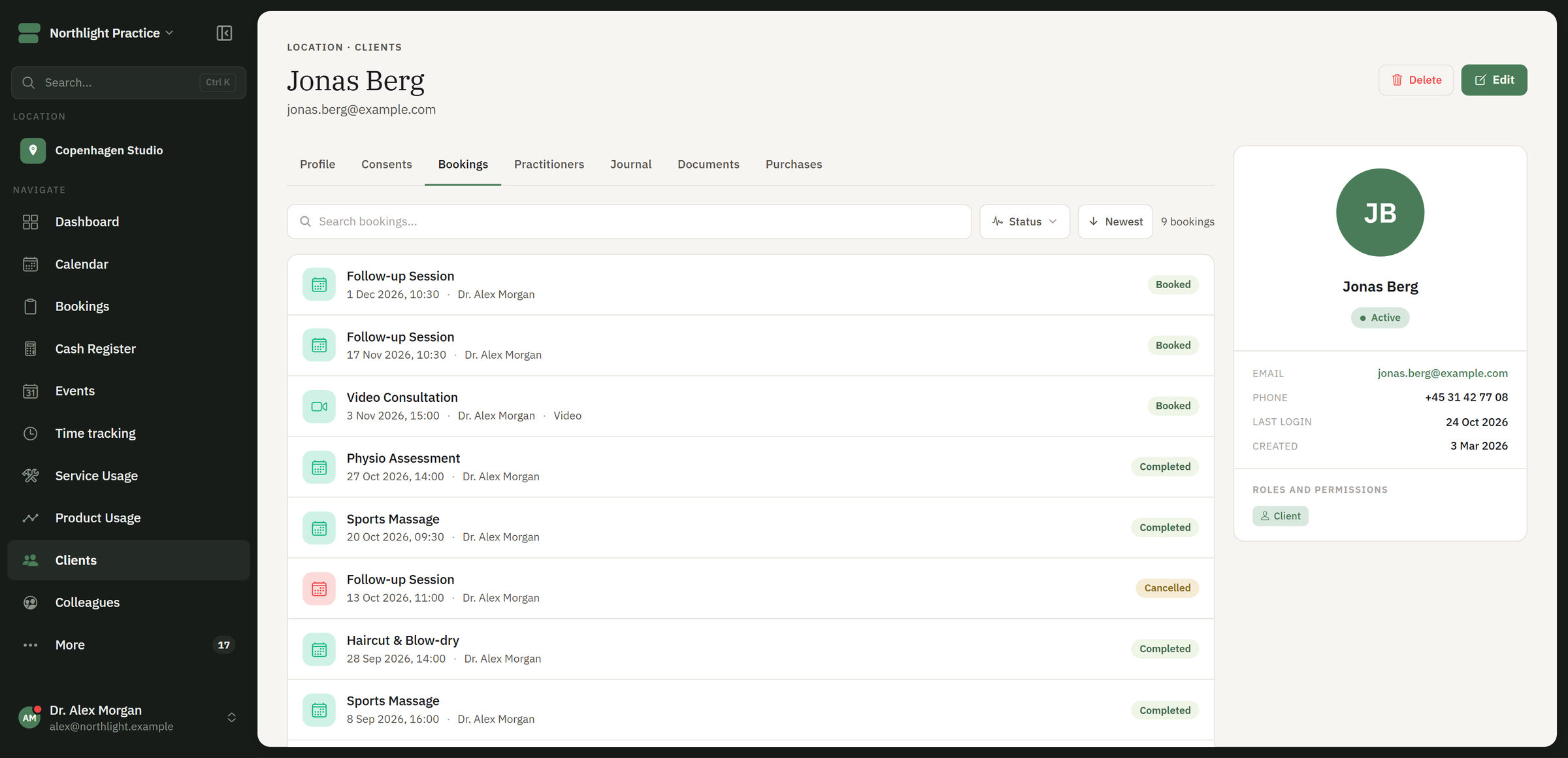
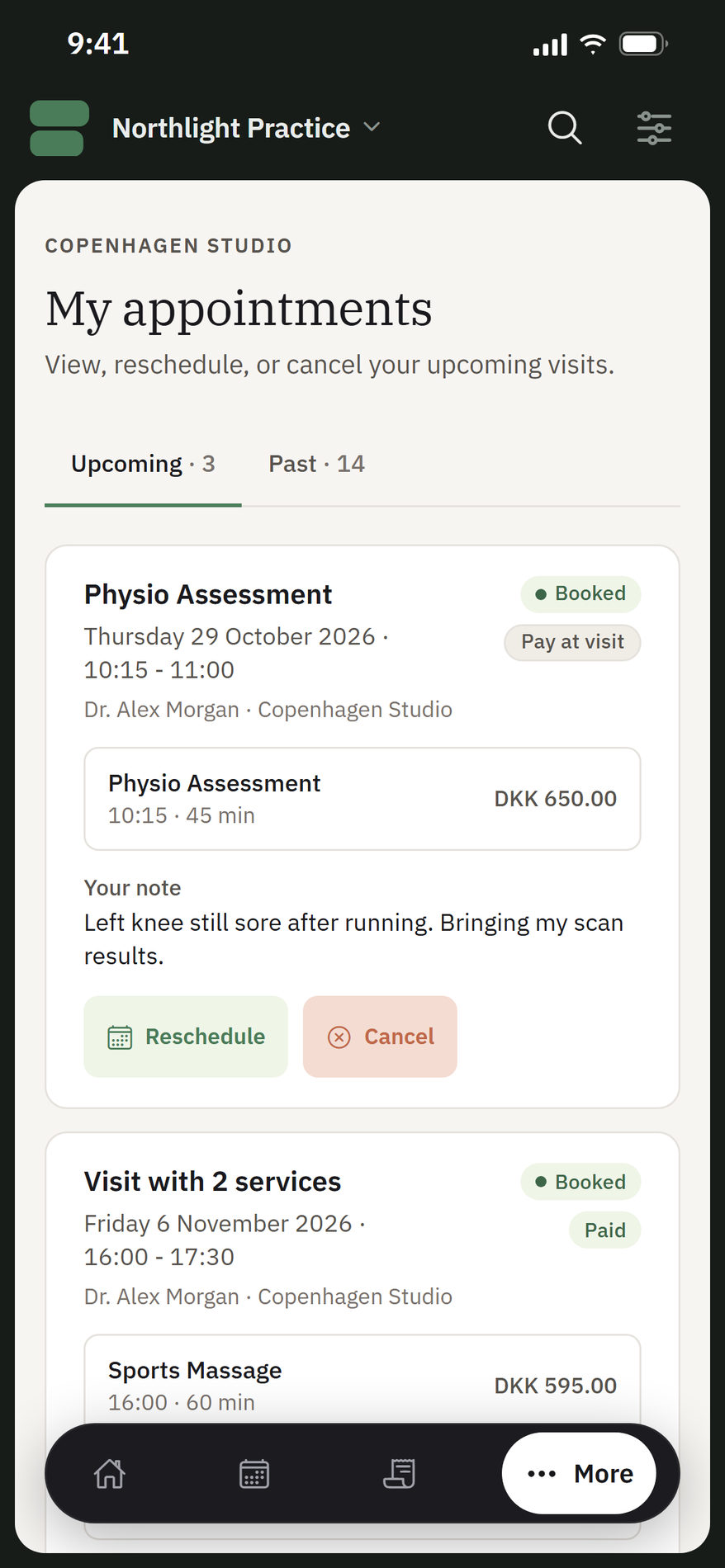
Visits, preferences, purchases and notes are gathered on the client. In the client portal the client sees their bookings, purchases and the documents you share. Consents and policies are kept with versions.
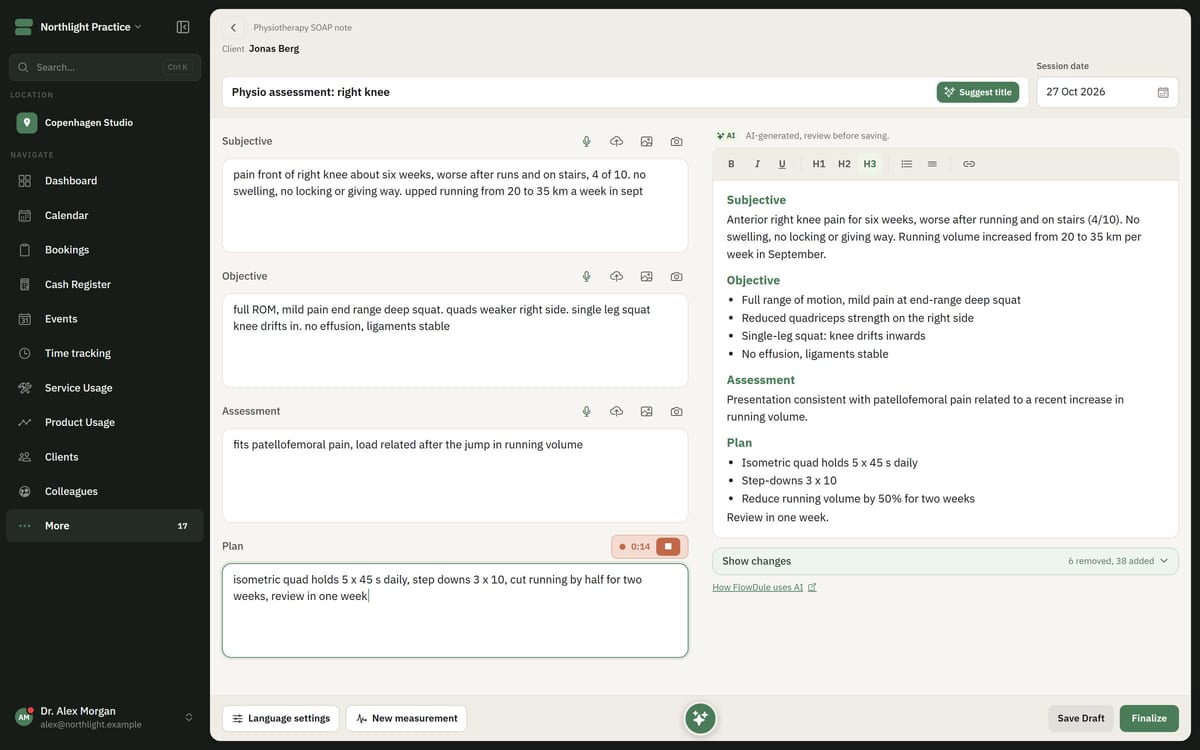
The client card in FlowDule. The screenshot shows fictional data.
Everything about the client, in one place.
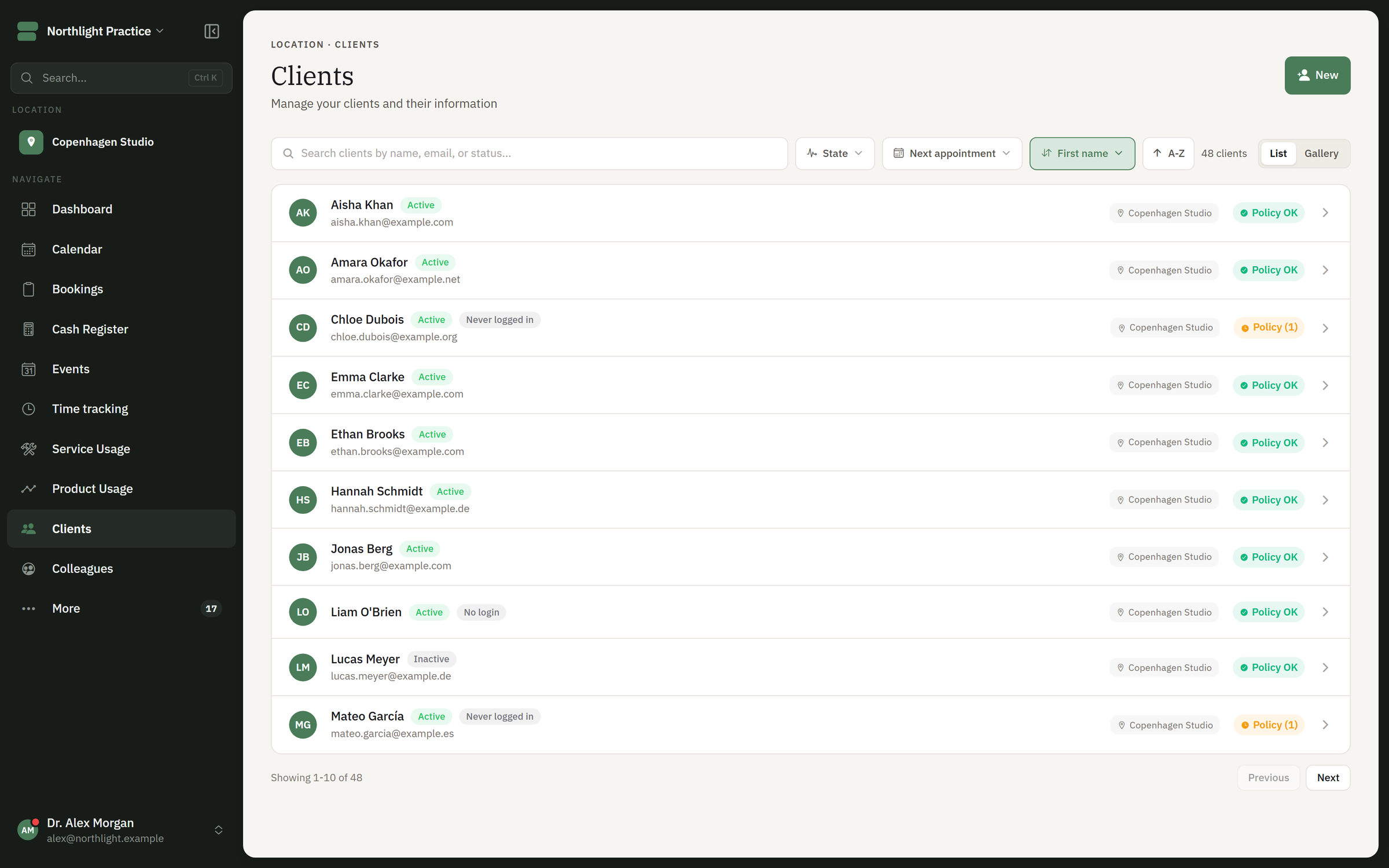
Clients are created when they book online, and you can create regular clients in advance. After that the history is gathered on the card, visit by visit, so you do not have to search through several systems.
01
The whole history
The client card brings together contact details, bookings, upcoming appointments, products, invoices, notes and practical details.
02
Preferences and courses of treatment
The card shows earlier courses of treatment, preferences, visits and changes over time. You meet the client with what you already know.
03
Notes and journal alongside
Journals, goals and follow-up points sit together with the history. What was agreed in the last session is ready for the next one.
04
Client portal
The client logs in and sees their bookings, their purchases and the documents you have shared.
05
Consent and policies
Policies and consents are kept with versions, and the consents are on the client card.
06
Access per role
Colleagues see the context they need for the next step. Sensitive information can be restricted per role, so not everyone sees everything.
The client list in FlowDule and the client portal on mobile. The screenshots show fictional data.
The same client. Three different views.
Choose who is looking and see what the card shows. The sketch is an example of how sensitive information can be restricted per role. It is not real data.
Who is looking
The practitioner sees the whole history: visits, preferences, purchases, notes and journal.
8 of 8 parts visible
The client card
Contact details
Bookings and visits
Preferences
Purchases
Notes
Journal and follow-up
Consent and policies
Shared documents
Works together with.
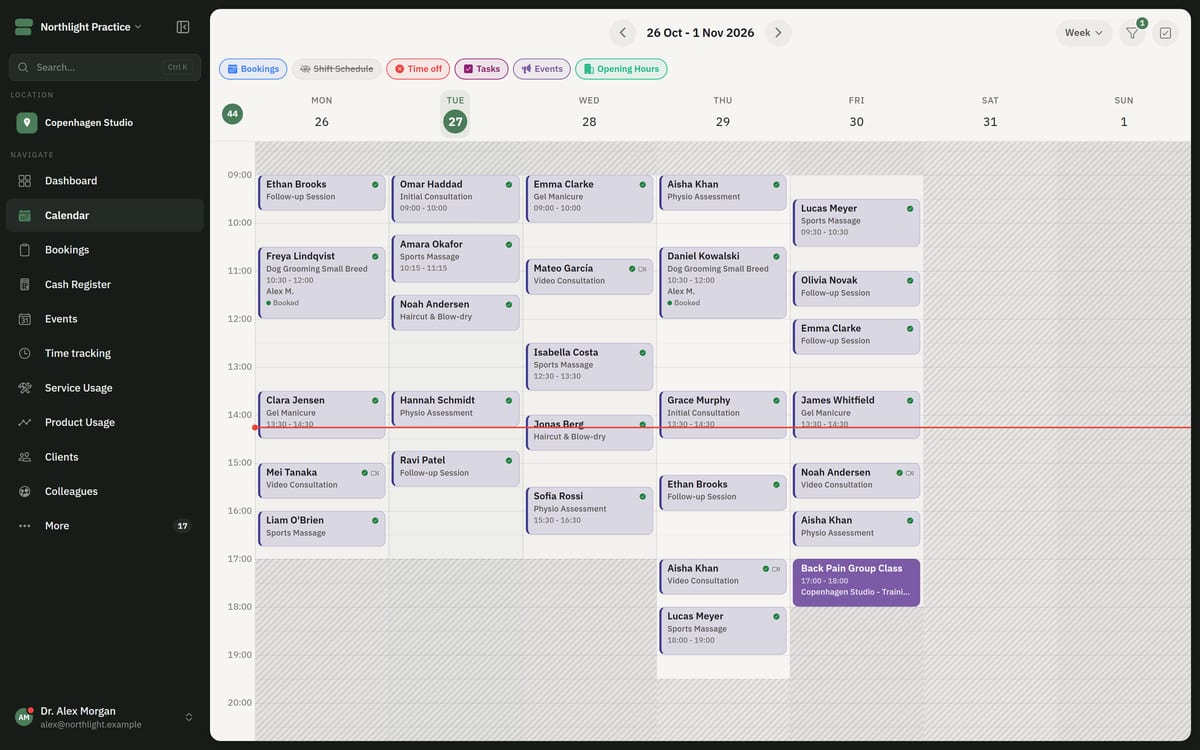
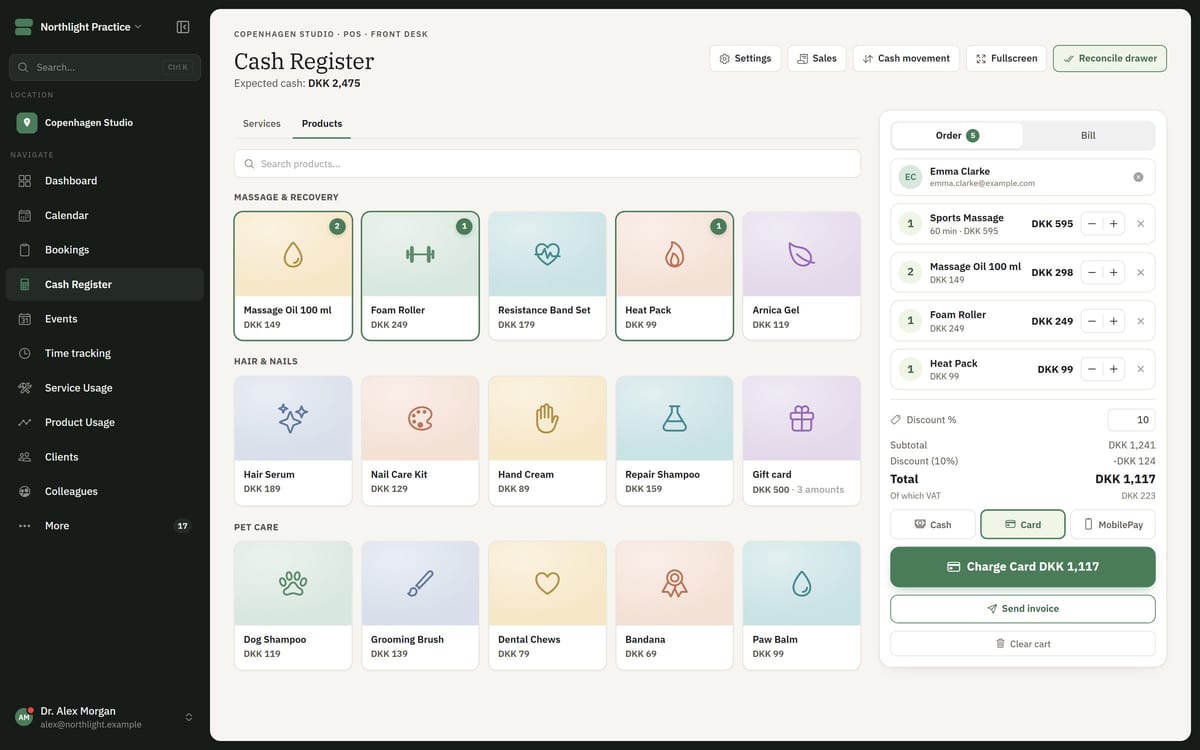
The client card is filled from the other modules, so information does not have to be moved between systems.