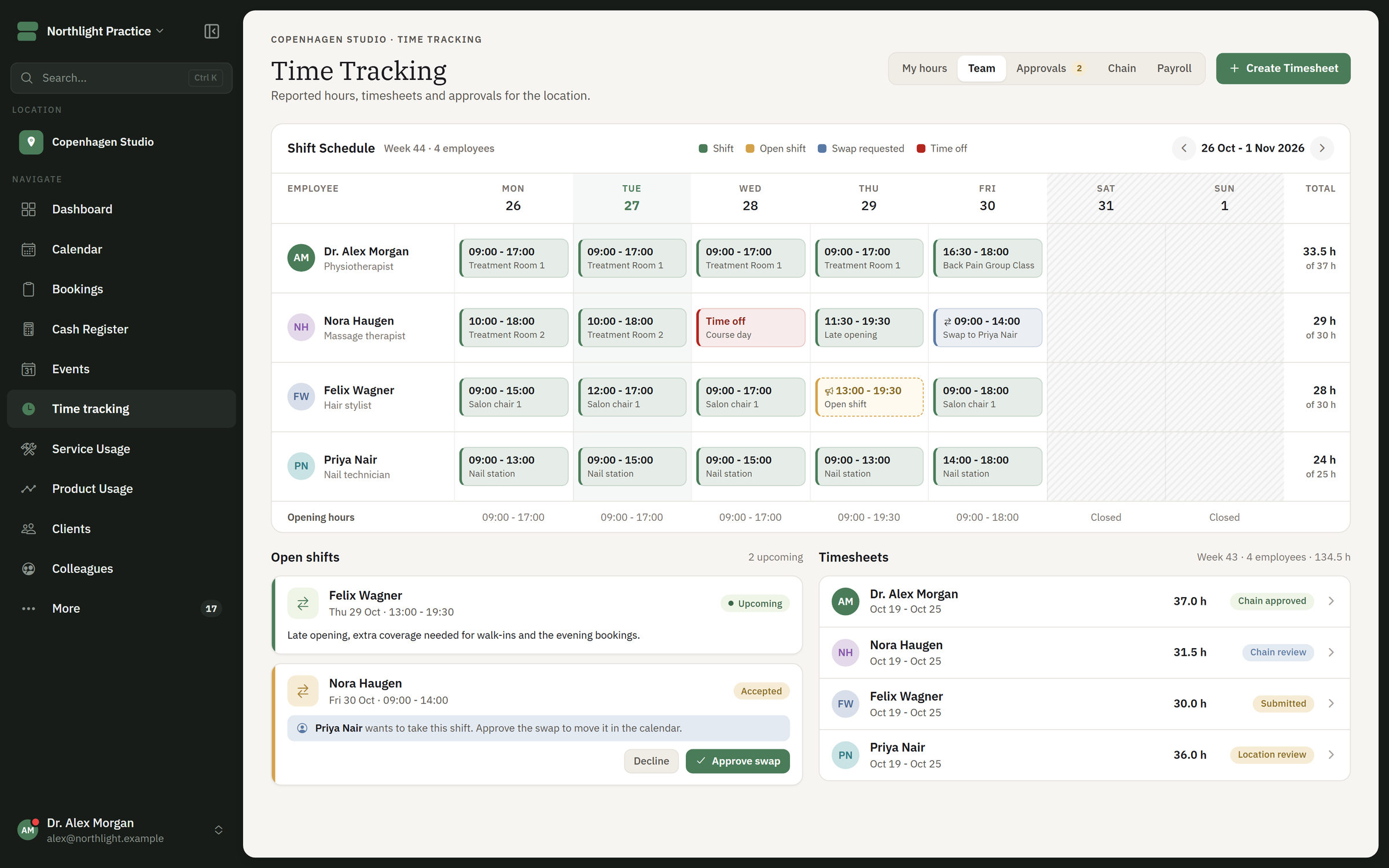
Set the shifts, let colleagues swap or take an open shift, and approve the hours before they go on to payroll. The dashboard shows turnover, capacity and hours for the location or the whole chain.
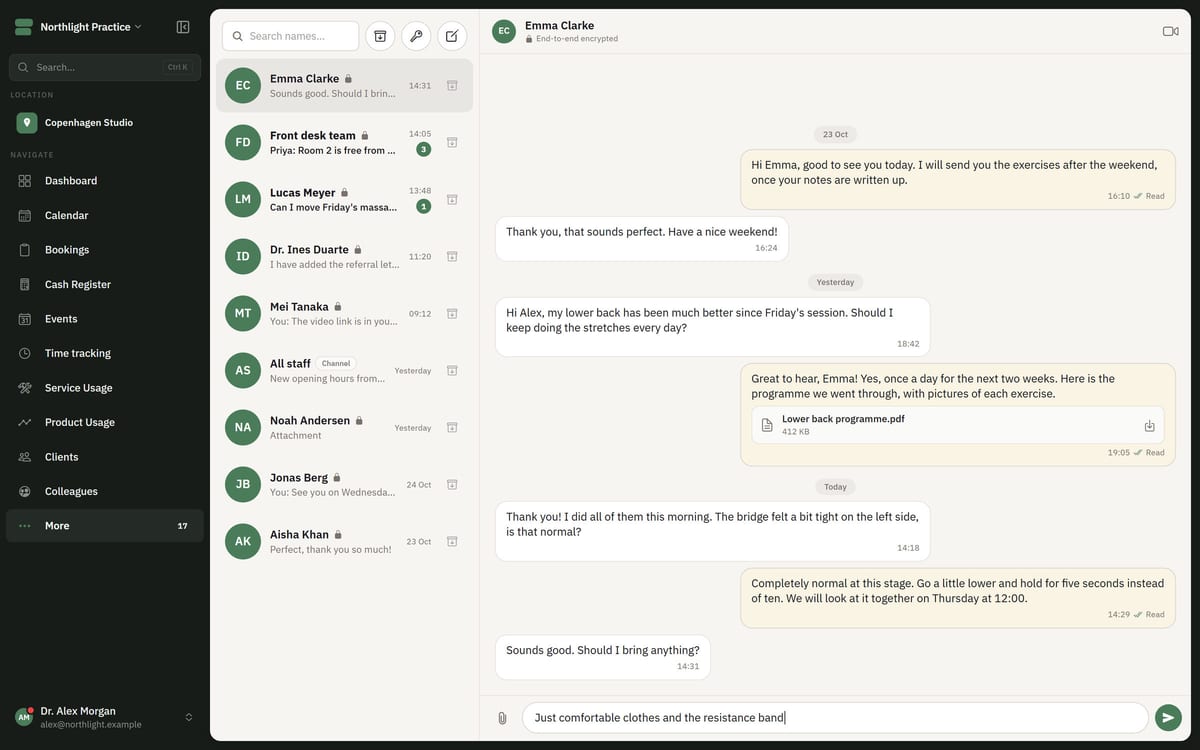
Rota and timesheets in FlowDule. The screenshot shows fictional data.
From shift to payroll basis in the same system.
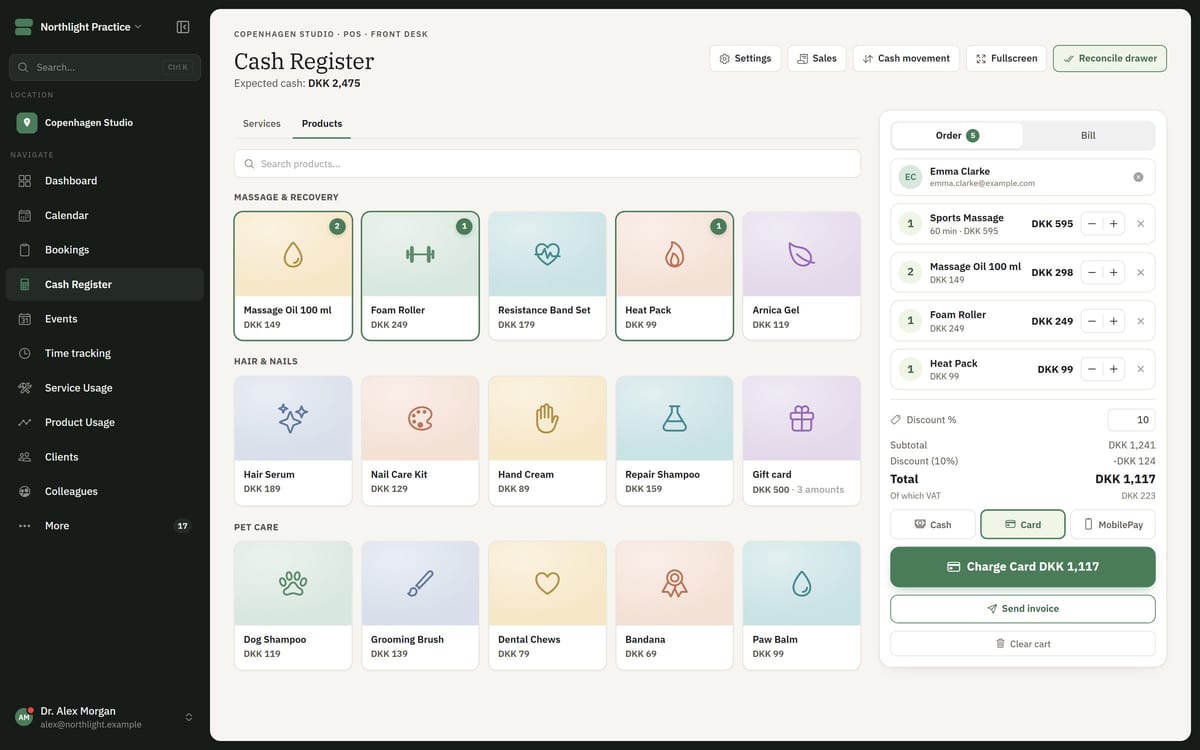
Shifts, bookings and hours are connected. The timesheet is built from the shifts and the bookings, and the dashboard takes its figures from booking, calendar, point of sale, payments and timesheets.
01
Rota and staffing
Plan the week's shifts for each employee. Staffing shows whether opening hours are covered, and tasks sit in the same calendar.
02
Open shifts and shift swaps
Post a shift as open so a colleague can take it. Colleagues can also swap shifts with each other.
03
Timesheets with approval
Hours are created from shifts and bookings. They are gathered for a period, can be adjusted with notes and rates and are approved in a separate step.
04
Payroll export and contractors
The approved hours are exported as the basis for payroll. For contractors there are pay rules and statements.
05
Dashboard with turnover and capacity
Turnover, bookings, capacity, payment mix, busy periods, cancellations and staff hours in one place.
06
Per location and employee
Reports can be broken down per location, employee, service and product. Management sees figures and capacity, while practitioners see their own calendar.
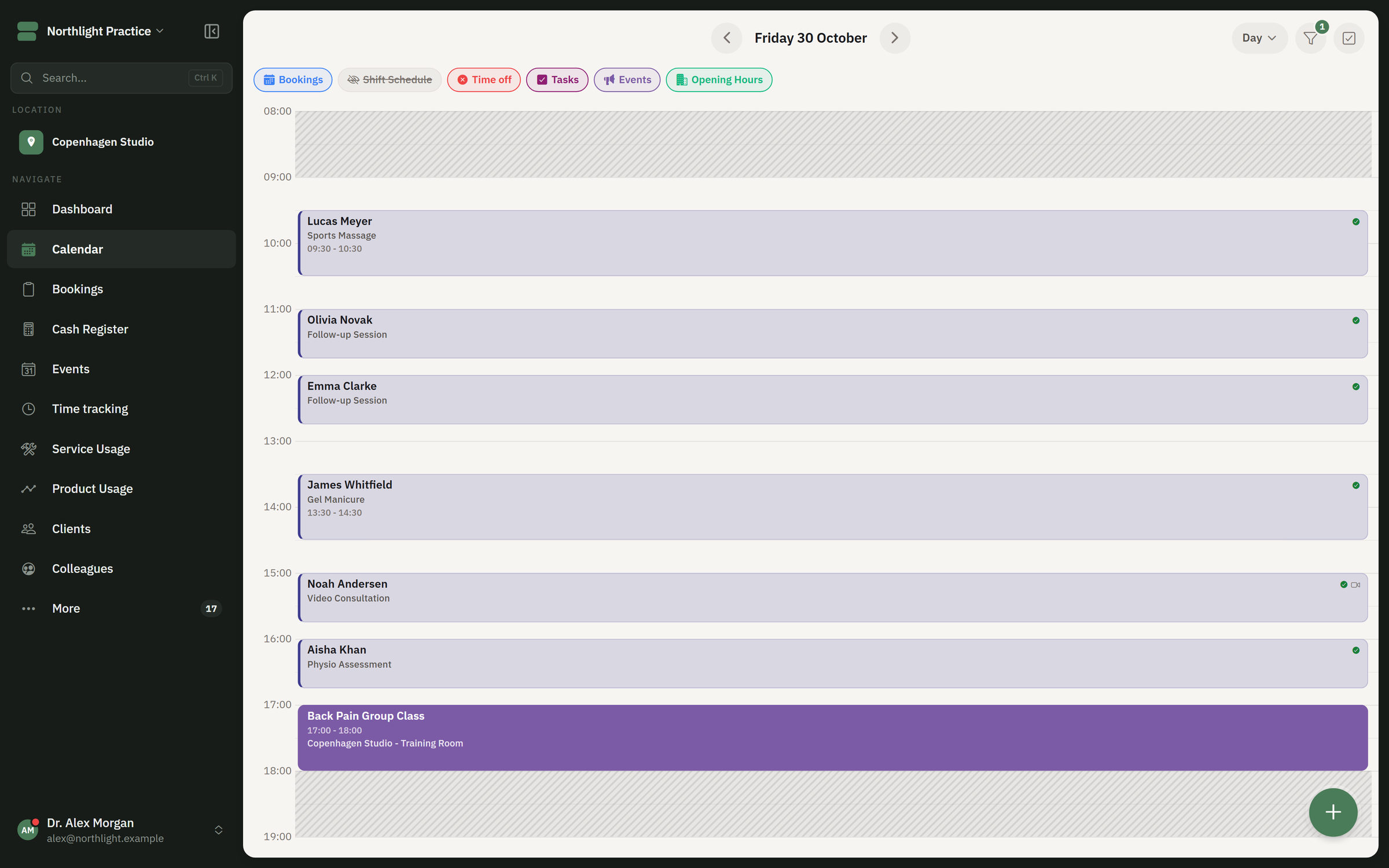
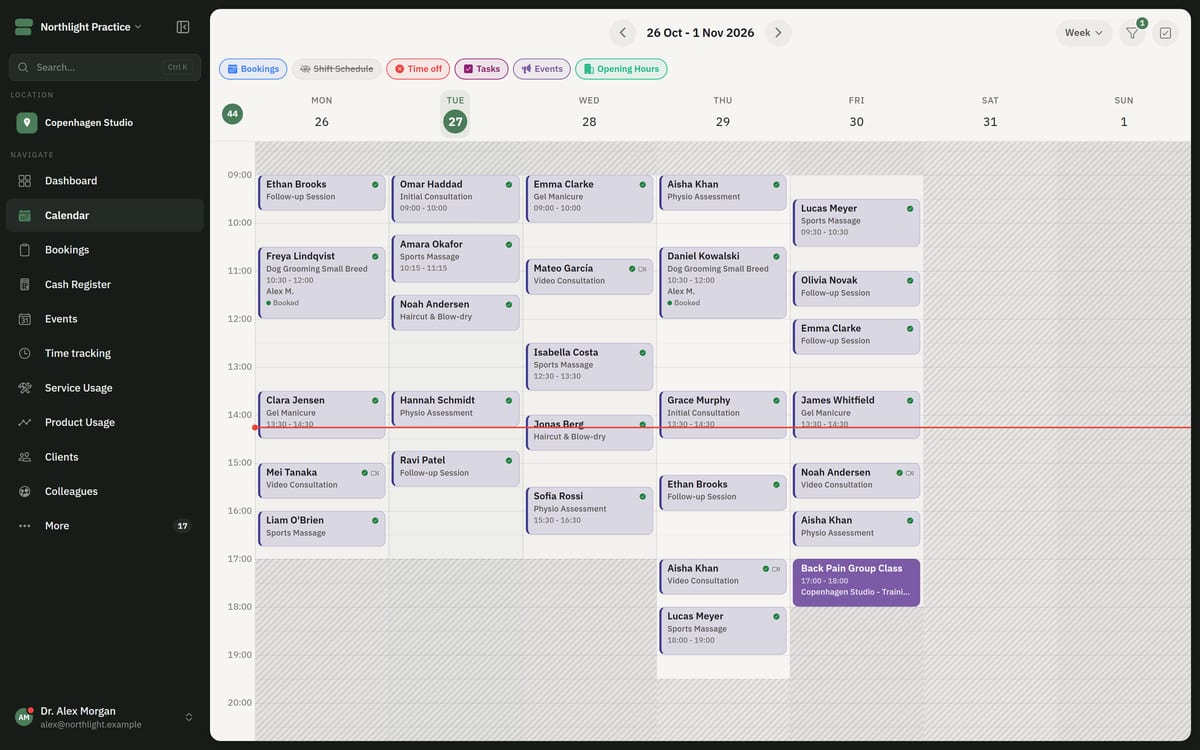
The day in one calendar
In the calendar, the rota, tasks and opening hours can be switched on alongside the bookings.
The day calendar in FlowDule. The screenshot shows fictional data.
Move a shift. Watch the hours follow.
Tap a shift and give it to a colleague on the same day, or take one of the open shifts. The timesheet alongside keeps count. Approve the hours and send them on to payroll. This is a sketch of the idea, not real data.
The rota requires JavaScript.
ShiftOpen shiftNot covered
Tap a shift to move it.
Timesheets for the week
You can also drag a shift up or down to another slot on the same day.
Works together with.
The figures on the dashboard and the hours on the timesheet come from the other modules, so nobody has to add things up in a spreadsheet.